
Teach music near you
Build a studio of local students, from young beginners to adults. CadenzaHub brings them to you and handles the bookings, payments and admin.
Apply to teachWhy teach on CadenzaHubFree to join. Keep 85% of every lesson, or 95% on Pro. See plans and pricing
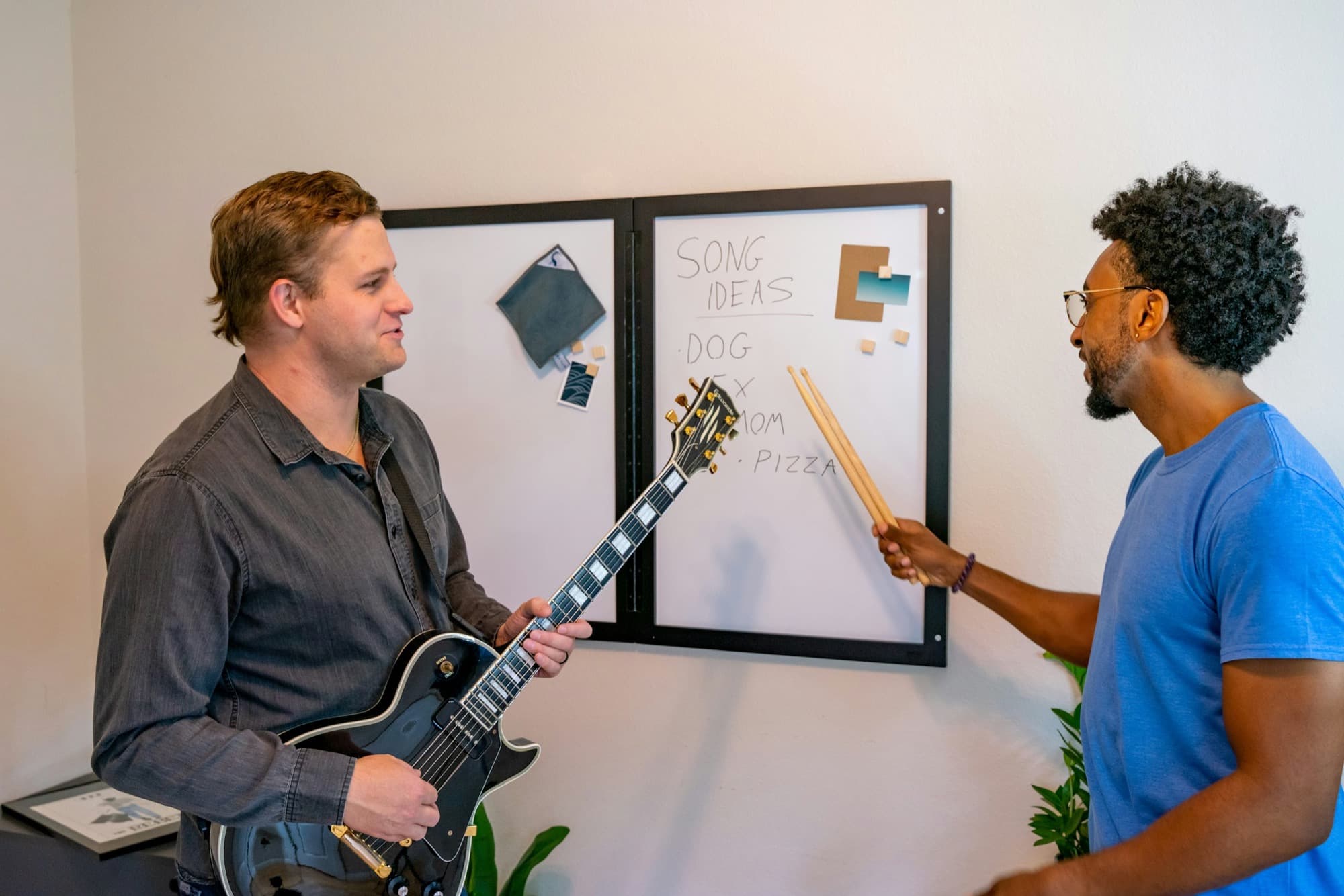
Run your studio, not your admin
Students find you
Your profile shows up when students and families nearby search for your instrument, with your reviewed credentials front and centre.
Bookings and payments handled
Students book your open times and pay up front. Your cancellation policy is applied automatically.
Paid about 48 hours after each lesson
Your share of each lesson goes to your bank through Stripe. No invoices, no chasing.
Teachers already on CadenzaHub
Prices are each teacher's rate per lesson. A 5% booking fee is added at checkout.

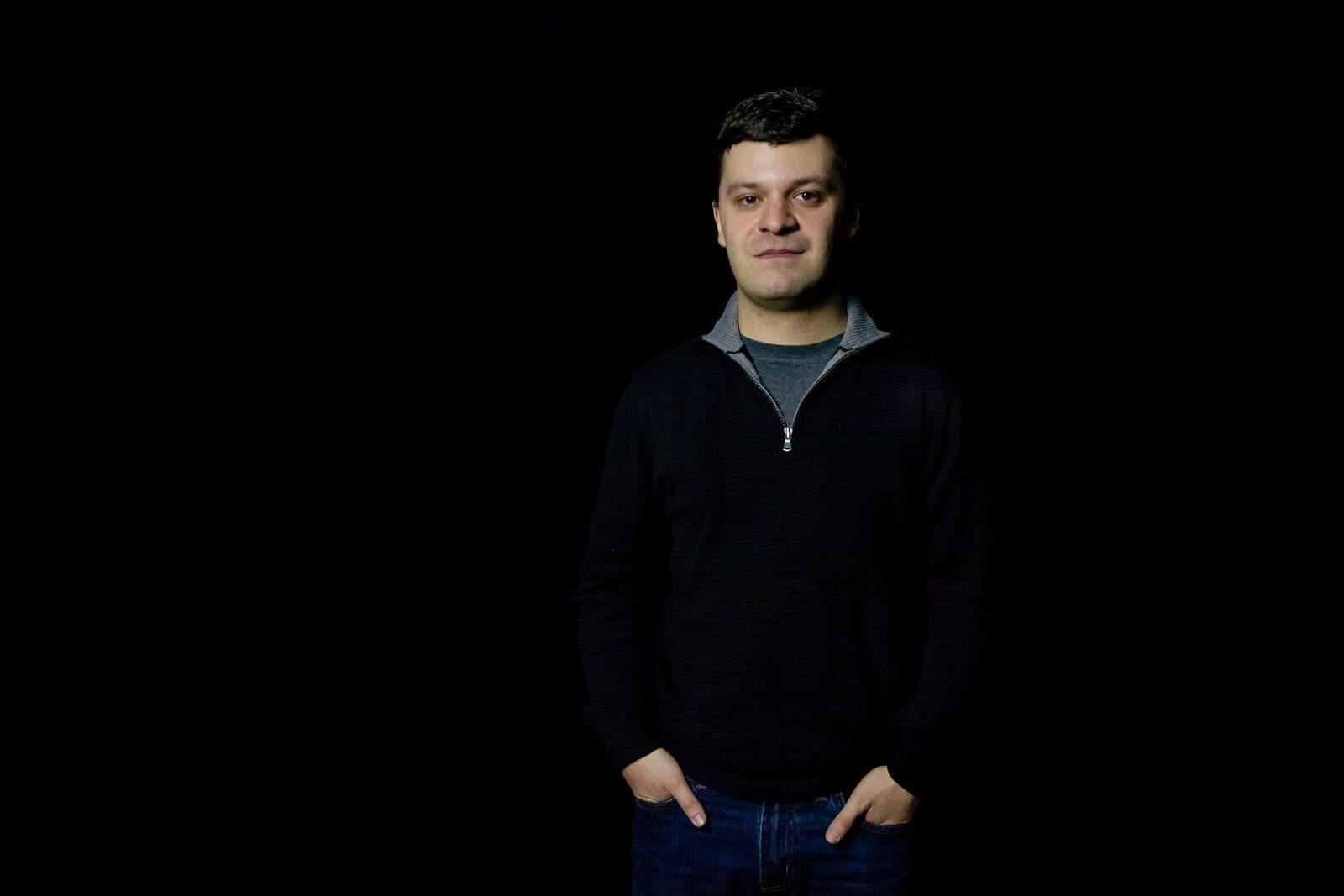















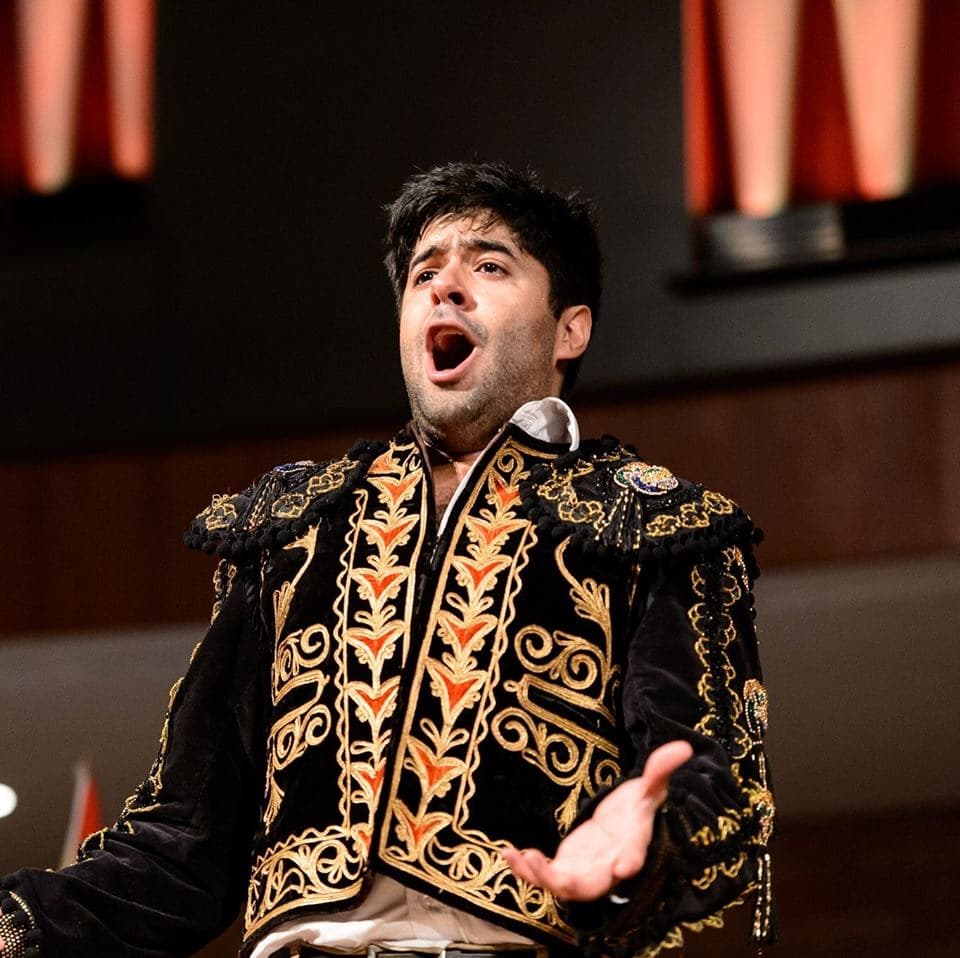

You set your rate and keep up to 95% of every lesson.

You set the rates. You keep up to 95%.
Families pay their 5% booking fee on top, so it never comes out of your earnings. Payment processing is included, and tips are 100% yours.
Free
Keep 85%
No monthly cost. A $2,500 month of lessons pays you $2,125.
Pro
Keep 95%
$29 a month, plus trial lessons, featured placement and analytics.
Teaching FAQs
What teachers ask before they apply.
Why teach on CadenzaHub?
We bring you students of every age looking for lessons, from young kids to adults, and handle the scheduling, payments, reminders and admin. You focus on teaching, and your lesson notes show students and families the value of every lesson.
What does it cost teachers?
Nothing to join. On the Free plan, CadenzaHub keeps 15% of each lesson's rate and you keep the rest. The Pro plan, launching soon, costs $29 a month or $290 a year and lowers the commission to 5%. It also adds trial lessons, featured placement, analytics and calendar sync. Stripe's payment processing is included on both plans.
Who can teach on CadenzaHub?
Teachers based in the GTA or Hamilton with formal training, such as RCM certificates, a conservatory or university degree, or substantial teaching experience. You verify your identity and upload your credentials for our team to review. To teach in person, at your studio or in a student's home, or to teach students under 18, you also need to upload a recent police check for our team to review. Teachers without one can teach adults online.
How do I join?
Sign up as a teacher, then build your profile: a photo, your bio, instruments, rates and weekly hours. Upload your credentials, connect payouts through Stripe, and upload a police check if you want to teach in person or teach students under 18. Our team reviews every profile before it goes live.
How do I add my credentials?
Go to Profile, then the Credentials tab. For each one, enter the credential, such as RCM Level 10 Piano, who awarded it and the year, and upload the certificate or diploma as a PDF or clear photo. You can add up to ten. Our team reviews each one for completeness, and approved credentials appear on your profile with the Credentials reviewed badge. Families never see the documents themselves, only the title, issuer and year.
How do I upload my background check?
Go to Profile, then the Background check tab. Choose the type of check, upload the PDF from your police service or a clear photo of every page, and confirm it is your own, unaltered document. It must be issued in the last six months, and it stays valid for three years from its issue date. Families can ask to see it, and you approve or decline each request.
How long does the review take?
Usually a few business days once everything is submitted. We email you as soon as your profile is approved, so check your spam folder if you have not heard from us.
Should I offer a trial lesson?
We recommend it. A trial lets a new student meet you before they commit, and it is the easiest way to turn a profile view into a regular student. Add one under Profile, Services and rates: choose Trial lesson as the type, set the length and price, and save. Most teachers offer 30 minutes, free or at a reduced price. Each student can book one trial with you, and your cancellation policy applies as usual. Once the Pro plan launches, trial lessons become a Pro feature.
Families pay the 5% booking fee, so it never comes out of your rate.

How to start teaching
1. Apply
About five minutes. Tell us what you teach, where and how.

2. Get verified
We check your identity and credentials, and review your police check if you teach in person or teach students under 18.

3. Teach and get paid
Students and families book through your profile, and your earnings reach your bank after each lesson.

Teach across the GTA and Hamilton
See where students are looking for lessons.